Marp Viewer
The Marp Viewer extension allows you to open and present .marp files in TagSpaces. These files use the Marp format — a markdown-based presentation ecosystem that lets you create slide decks from plain text.
If you use Marp CLI, VS Code Marp extension, or any other Marp-compatible tool to author presentations, you can preview them directly in TagSpaces without leaving your file manager.
What is Marp?
Marp (Markdown Presentation Ecosystem) is an open-source tool for creating presentations from markdown files. A .marp file is a standard markdown document with YAML frontmatter directives that control slide separation, themes, and layout. Slides are separated by --- horizontal rules.
---
marp: true
theme: default
---

# First Slide

Content for the first slide

---

# Second Slide

- Bullet points
- With **markdown** formatting
- And `code` snippets
Features
- View
.marpmarkdown presentations as formatted slides - Navigate between slides using arrow keys, Space, Page Up/Down, Home/End, or by clicking the left/right margin areas
- Slide counter showing current position (e.g. "3 / 12")
- Zoom in and out (30%–500%) with persistent zoom level
- 16:9 aspect ratio slides with responsive scaling
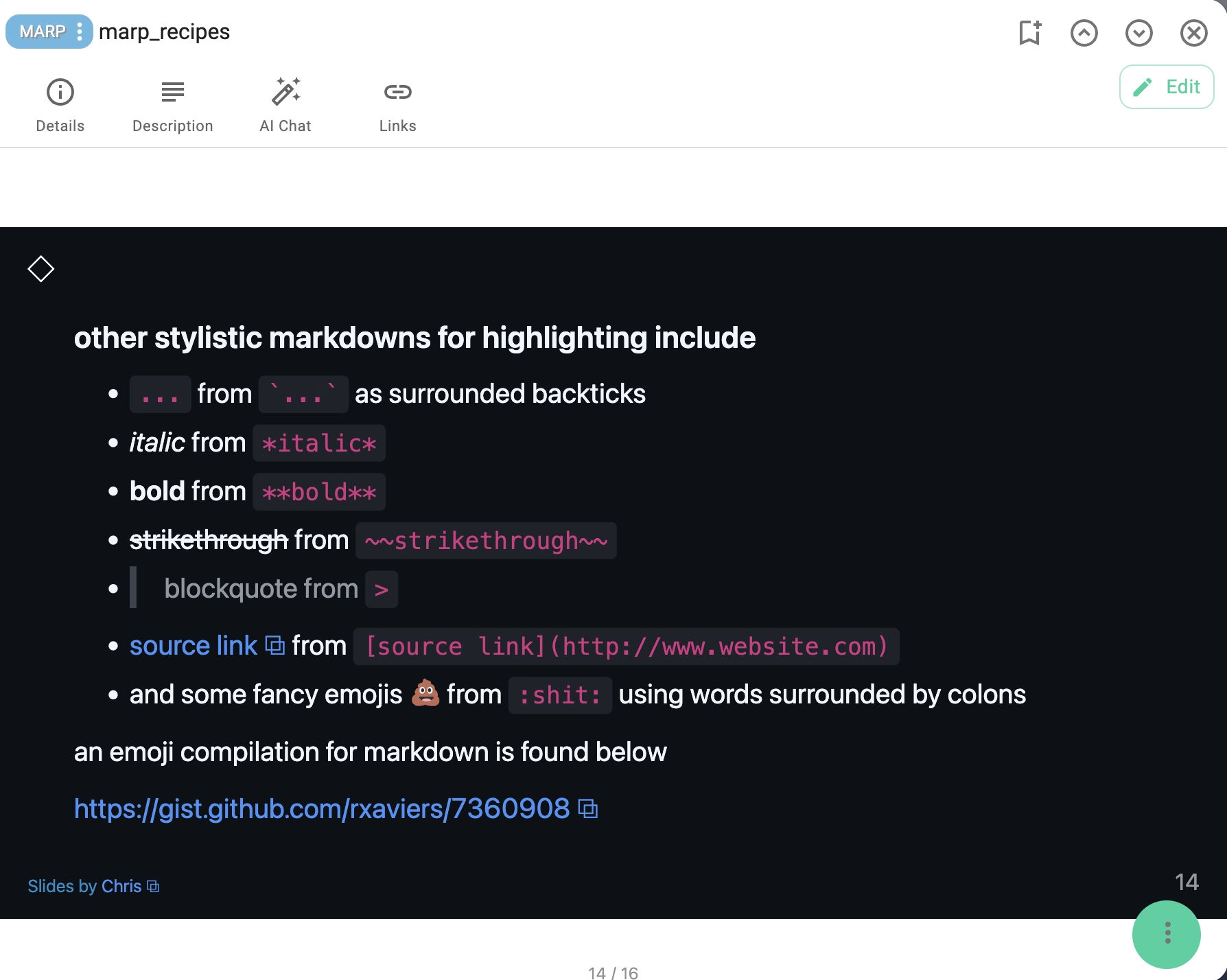
- Full markdown rendering including bold, italic, lists, tables, images, and links
- Syntax highlighting for code blocks (powered by highlight.js)
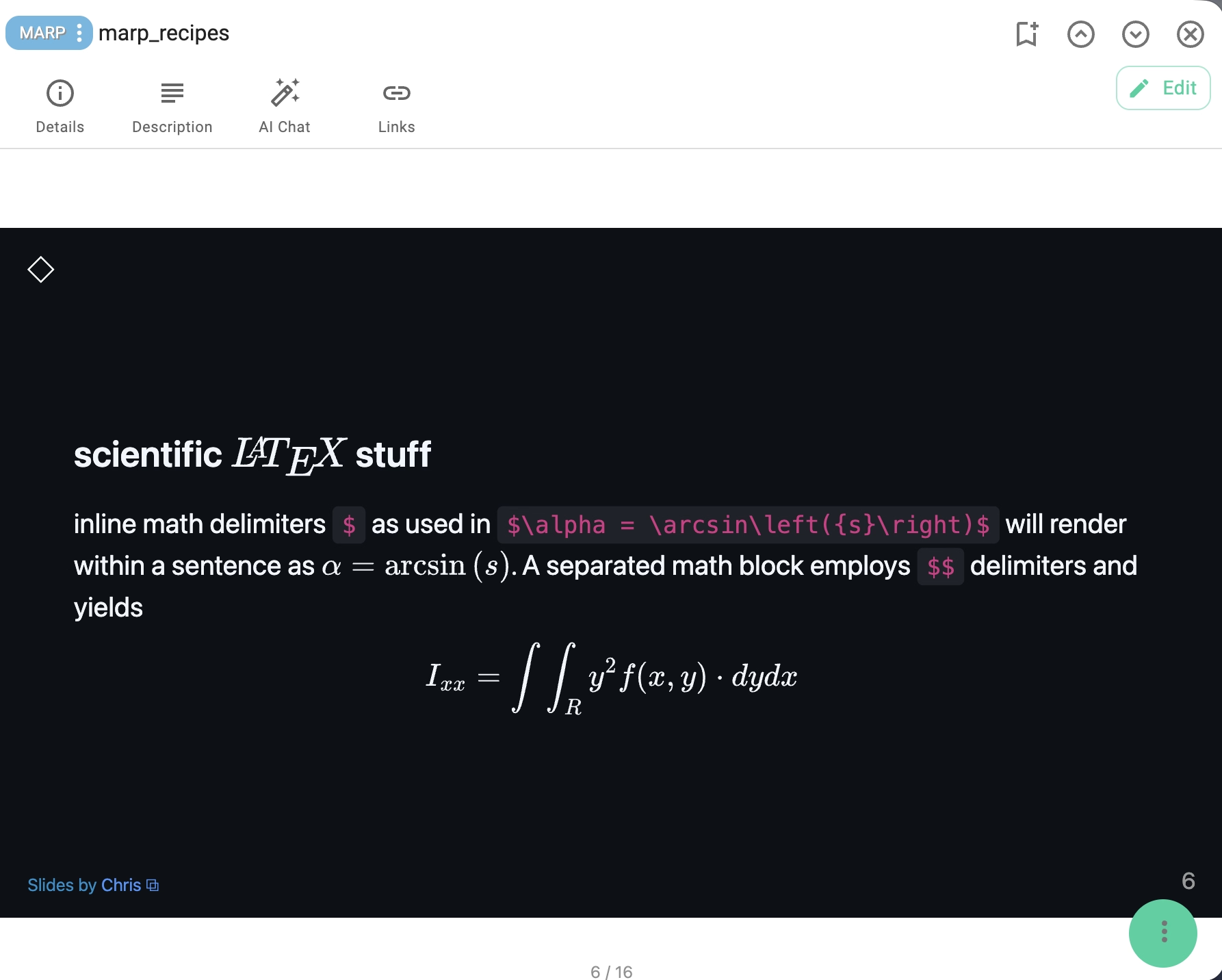
- Mathematical equations via KaTeX and MathJax
- HTML content support within slides
- Text search within the presentation
- Print support with clean output — all slides rendered for printing in landscape layout
- Light and dark theme support
Keyboard Shortcuts
| Action | Key |
|---|---|
| Next slide | →, ↓, Space, Page Down |
| Previous slide | ←, ↑, Page Up |
| First slide | Home |
| Last slide | End |
Used Libraries
This extension relies on the following libraries:
- Marp Core — the official Marp rendering engine
- Marpit — the foundational slide framework
- highlight.js — syntax highlighting for code blocks
- KaTeX — fast math rendering
- markdown-it — markdown parser
- Bootstrap
- i18next
- mark.js — text search highlighting
- DOMPurify — HTML sanitization
Installation
This extension is packaged with every version of TagSpaces.
Source Code
The source code of this extension is freely available on GitHub.
Development
If you want to extend this extension, please follow the extension development guide.